

When your device stops working, it never happens at a “good time”. A cracked screen before a night out. A phone that will not charge before a trip. A MacBook that dies mid-deadline. If you are searching for phone repair Leeds, you are usually looking for three things: a clear diagnosis, a fair price, and a repair you can trust.
At Ultimate Repairs, we provide fast, professional phone repair in Leeds from our local shop on Kirkstall Road, Leeds (LS4 2HQ). We fix iPhones, Samsung phones, tablets, laptops and MacBooks, and we also handle consoles and controllers. Whether you need a quick phone fix Leeds service, a same-day screen replacement, or deeper diagnostics for a “dead” MacBook, the goal is simple: get your device working properly again, with clear communication and no guesswork.
You can explore our services here.
Why choosing the right repair shop matters
There are two big differences between a “quick repair” and a proper repair:
- Accurate diagnosis first
Many faults look the same on the surface. A phone that will not charge might have a port issue, a damaged cable trace on the board, or battery failure. A MacBook with “no power” can be anything from a faulty charger to logic board damage. A good shop tests before replacing parts. - Quality parts and careful installation
The right parts and correct fitting make the difference between a device that works for weeks versus one that keeps failing. With phones, this can affect touch response, brightness, Face ID alignment, or water-resistance sealing. With laptops, it can affect thermals, charging stability, and long-term performance.
If you are comparing options for phone repair Leeds, ask any shop how they diagnose, what parts they use, and what warranty or aftercare they provide.
iPhone repair Leeds: the most common iPhone fixes we do
If you are looking specifically for iPhone repair Leeds, these are the issues we see every day.
iPhone screen replacement
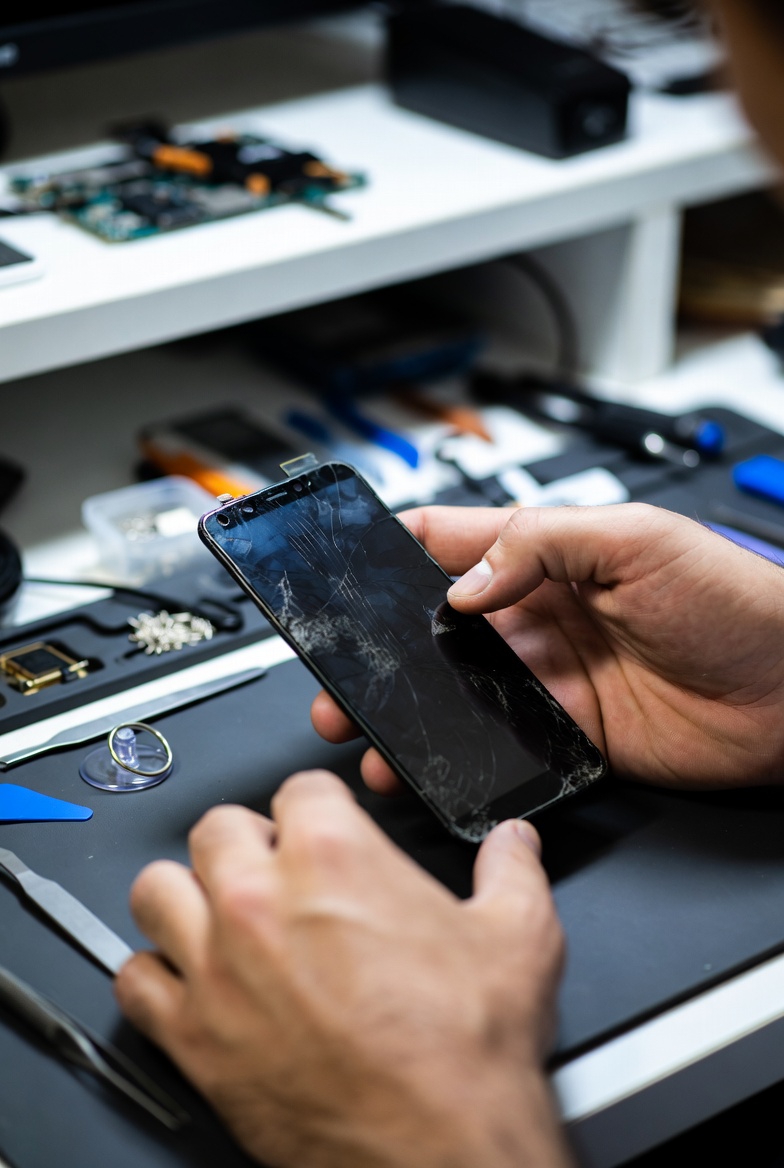
Cracked screens are not only cosmetic. They can cause:
- Touch problems or “ghost touch”
- Dead zones
- Black screens or flickering
- Glass shards and worsening damage
A professional screen replacement restores clarity, touch accuracy, and day-to-day usability. The correct fit and alignment matter, especially on newer models.
iPhone battery replacement
A battery problem often looks like:
- Fast draining
- Sudden shutdowns
- Phone overheating during charging
- Battery health warnings
Battery replacement can make your iPhone feel “new” again. It is also one of the best value repairs if your phone is otherwise in good condition.
Charging port repair (and why diagnosis matters)
A “not charging” iPhone is not always a port replacement. Sometimes it is:
- Pocket debris compacted in the port
- A damaged flex or connector
- A battery issue
- A logic board fault (especially after drops or liquid exposure)
A proper phone fix Leeds approach is to test the charging system before swapping parts.
Camera, audio, and button repairs
We commonly fix:
- Rear / front camera faults (blur, no focus, black screen)
- Earpiece or loudspeaker issues (low sound, distorted audio)
- Microphone faults (people cannot hear you)
- Power button / volume button problems
These repairs often need careful disassembly and correct part fitting to prevent future issues.
Samsung and Android phone repairs
Samsung phones are among the most repaired devices in Leeds because they are used everywhere and screens are expensive to replace if ignored. Typical repairs include:
- Screen replacement (cracks, black screen, no touch)
- Battery issues and charging faults
- Water damage cleaning
- Speaker / microphone problems
- Camera faults
- Software issues and boot loops
If you searched “phone repair Leeds” because your Samsung has stopped working properly, the best move is to get the device assessed quickly. Leaving faults untreated can lead to internal damage and higher repair costs later.
Tablet repair Leeds: iPad and Android tablet fixes
Tablets are common in families, schools, and workplaces, and they break in predictable ways. If you need tablet repair Leeds, we typically help with:
- iPad screen repair (cracked glass, broken LCD, no touch)
- Battery replacement (short battery life, random shutdowns)
- Charging issues (port damage, not charging, loose connection)
- Liquid damage cleaning (especially after spills)
- Software faults (frozen tablet, update issues)
If you rely on a tablet for work or study, the key is speed and reliability. A quick repair is good, but a tested repair is better.
Laptop repair in Leeds: common problems and what we check
Searching for laptop repair in Leeds usually means you have one of these problems:
Laptop not turning on / no power
This can be caused by:
- Charger or charging port fault
- Battery failure
- Power rail or motherboard fault
- Liquid damage corrosion
- Short circuits
The best approach is diagnostic testing rather than “try replacing the battery and hope”.
Blue screen, freezing, slow performance
Common causes include:
- Failing SSD / HDD
- Faulty RAM
- Driver / Windows update issues
- Overheating
- Malware
A proper repair combines hardware checks with software checks. Many “slow laptop” cases become fast again after the right fix.
Overheating, loud fan, shutdown during gaming
Overheating is usually:
- Dust build-up
- Dried thermal paste
- Fan failure
- Blocked airflow
- Background processes pushing load
If your laptop turns off under load, do not ignore it. Heat can damage components over time.
Screen, keyboard, hinge, and trackpad repairs
Physical repairs are common too, including:
- Laptop screen replacement
- Keyboard faults or broken keys
- Trackpad issues
- Loose or broken hinges
We see a lot of hinge damage on laptops used daily in bags and classrooms.
You can view our computer services here: https://ultimaterepairs.co.uk/product-category/computers/
MacBook repairs Leeds: what “dead MacBook” usually means
If you searched for MacBook repairs Leeds, you might be dealing with a fault that feels serious: no power, no charging, or a MacBook that looks completely dead.
Before anyone guesses, a proper MacBook diagnostic should check:
- Charger and charging circuitry
- Battery health and connection
- Port function
- Internal power rails
- Signs of liquid damage or corrosion
- Logic board condition (when needed)
MacBook “no power” and logic board diagnostics
A MacBook that will not turn on can be caused by:
- Failed charging port (USB-C, MagSafe)
- Battery failure
- Board-level damage
- Liquid damage corrosion
- Power management faults
The key is: diagnose first. A good repair path avoids replacing parts unnecessarily and focuses on the real cause.
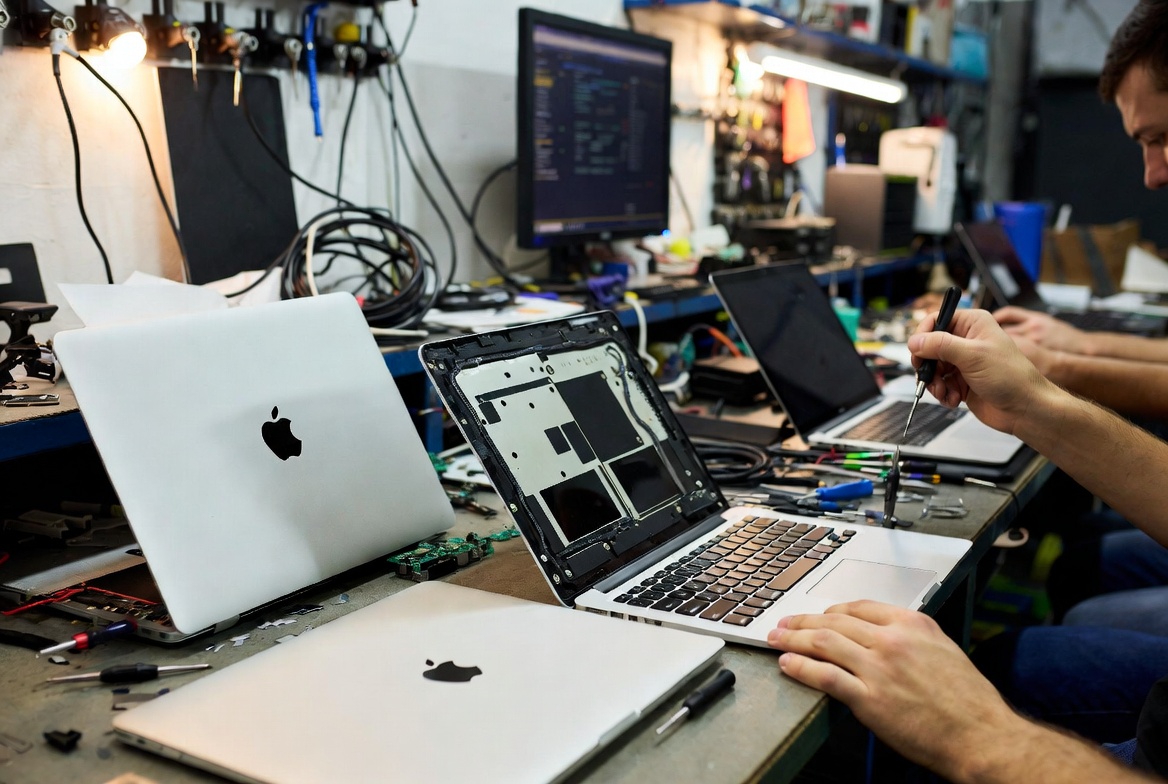
Liquid damage on MacBooks and laptops
Liquid damage is not always “instant death”. Often, the device works briefly and fails later because corrosion spreads. A proper clean and diagnostic can prevent long-term damage, especially if handled quickly.
If you have liquid damage, stop using the device and get it checked before powering it on repeatedly.
Game console repairs Leeds (PS5, Xbox, Nintendo)
Ultimate Repairs also handles game console repair Leeds work, including common issues like:
- HDMI port faults (no display)
- Overheating and thermal issues
- Power faults
- Storage issues
- Controller sync problems
If you need PlayStation repair services, you can browse here: https://ultimaterepairs.co.uk/product-category/game-consoles/sony-consoles/
For Nintendo repairs, you can browse here: https://ultimaterepairs.co.uk/product-category/game-consoles/nitendo/
(If your main search was phone repair Leeds, this part may not apply today, but it is useful if your household has consoles too.)
What makes a repair “worth it” instead of replacing the device?
People often ask whether it is better to repair or replace. In many cases, repair is the smarter choice when:
- The device is only 1–4 years old
- The fault is isolated (screen, battery, port, storage)
- The repair cost is far less than replacement
- You want to keep your data, settings, and apps
- You need it back fast without the hassle of migrating
A reliable phone fix Leeds service should be honest about this. If a repair is not cost-effective, you should be told clearly.
Our repair process at Ultimate Repairs in Leeds
Here is what you can expect when you bring a device to Ultimate Repairs:
1) Quick assessment and diagnosis
We ask what happened, check symptoms, and test likely fault points. This avoids wasted time and helps give accurate options.
2) Clear pricing before work starts
You should know the cost and what the repair includes before you commit.
3) Professional repair using quality parts
We use high-quality parts and proper tools to ensure the repair is clean and reliable.
4) Testing before collection
A repair is not finished until it is tested. That means checking the key functions related to the fault.
5) Aftercare advice
A good shop explains how to prevent the issue coming back (for example, charging habits, protective cases, liquid prevention, and heat control).
Need phone repair in Leeds? Here is what to do next
If your phone, tablet, laptop, or MacBook is not working properly, do not wait for the issue to get worse. A small fault can turn into a bigger one, especially with charging and liquid damage.
- For fast, reliable phone repair Leeds, visit Ultimate Repairs on Kirkstall Road, Leeds (LS4 2HQ).
- If you need iPhone repair Leeds, we handle screen replacements, battery swaps, charging issues, camera faults and more.
- If you need MacBook repairs Leeds, we provide proper diagnostics for no power, charging faults, and liquid damage cases.
- For laptop repair in Leeds, we fix no power, slow systems, blue screens, overheating, and component faults.
Start here: https://ultimaterepairs.co.uk/
FAQs: phone and laptop repairs in Leeds
How long do repairs usually take?
Many common repairs (like screens and batteries) can be done the same day depending on the device and parts required. Complex faults may take longer due to diagnostic time.
Is it worth repairing an older phone or laptop?
Often yes, especially if the repair is a battery, screen, charging port, or storage upgrade. If the device is very old or has multiple faults, replacement may be more sensible.
What should I do if my device has liquid damage?
Stop using it, do not keep charging it, and get it checked as soon as possible. Liquid damage can worsen over time due to corrosion.